
Budget app in Switzerland: 5 types compared, with or without a bank connection
There are five types of budget app in Switzerland: the spending tab of your banking app, bank-linked budget apps, manual-entry apps, apps that read receipts, and the spreadsheet. The first two see where and how much you pay, but not what you buy and not cash, which made up 30% of in-person payments in 2025 (SNB). The other three work without a bank, and only the receipt shows the items in your grocery shopping, which costs the average household CHF 638 a month (Federal Statistical Office, FSO, 2023).
Rappn compares the current promotions of 7 Swiss retailers, updated daily: free, no subscription.
Track your groceries in Rappn, free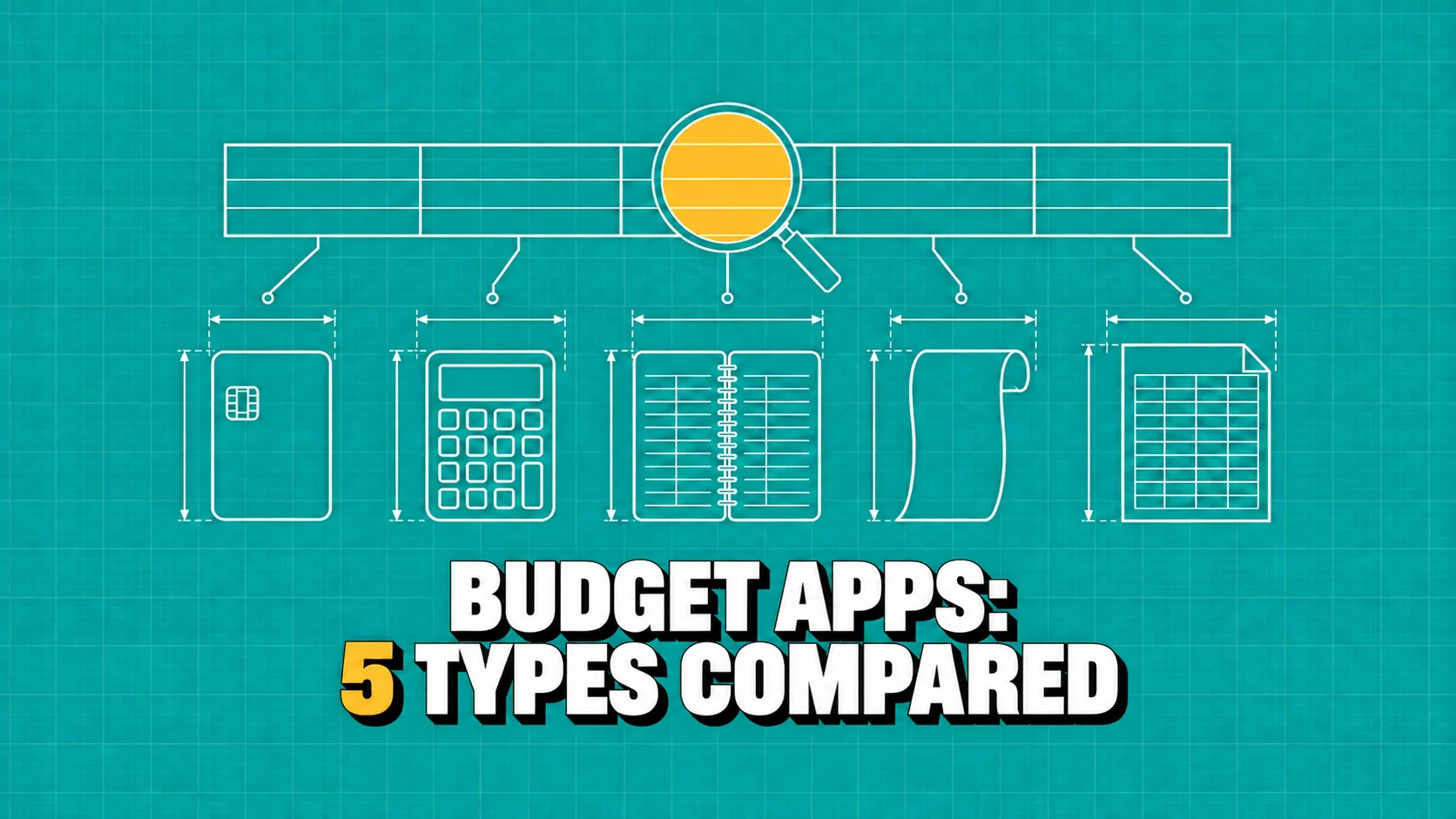
A budget app records your spending, sorts it into categories and shows you each month where your money goes. In Switzerland there are five types: the spending tab in your banking app, budget apps linked to your account, manual-entry apps, apps that read receipts, and the spreadsheet. The ones linked to your bank see where and how much you pay, not what you buy; for groceries, on average CHF 638 per household per month (FSO, 2023), the receipt remains the most detailed source.
Updated October 2026. Sources: Federal Statistical Office (FSO), Household Budget Survey 2023, published 17 November 2025; Swiss National Bank (SNB), Survey on payment methods 2025; Federal Council, press release of 12 December 2025 on open finance; Budgetberatung Schweiz, budget examples 2025/2026 and budget templates (viewed on 9 October 2026).
Which budget app should I use in Switzerland?
It depends on two questions: what do you want to see, and who should be able to read your data? To know how much leaves your account each month, the spending tab in your banking app is often enough, at no extra cost. For the budget of the whole household, with several accounts, your income and a limit per category, you need a budget app or a spreadsheet. And to know what ends up in your trolley, no bank statement will do: you need the receipts.
The first two types read your account transactions and work almost on their own, but only for linked accounts; the other three work without a bank and see only what you type or photograph. None covers everything: many households use a template for fixed costs and an app for groceries.
This is how Rappn handles the grocery line of your budget: receipts you photograph, sorted by category and by month, without a bank connection.
Track your groceries in Rappn, freeFree, no subscription · iOS & Android
Your spending
What does each type of app see, and what does it cost?
| Type of app | What it sees | What it does not see | Bank connection | Typical cost |
|---|---|---|---|---|
| Spending tab in your banking app | Card payments and transfers on that bank’s accounts, sorted into categories by merchant | The items; cash, shown only as a withdrawal; unlinked accounts at other banks | Yes, it is your bank | Included with the account |
| Budget app linked to your account | Transactions on the linked accounts, with automatic categories and budgets | The items; cash; banks it does not support | Yes, with your consent | Free basic version or subscription |
| Manual-entry budget app | Every expense you type in, with the category you choose | Whatever you forget to enter | No | Often free, sometimes by subscription |
| App that reads receipts | The receipts you photograph; if the app reads each line, also items and discounts | Rent, bills, spending without a receipt | No | Free, or paid scanning |
| Spreadsheet or template | The whole budget, if you write it in | Nothing automatic | No | Free with a template |
| Rappn, for groceries | Grocery receipts by photo, from your gallery or entered by hand, by category and by month next to your own monthly average; export as PDF or CSV | Rent, insurance, taxes, non-grocery spending | No | Free, no subscription |
For fixed costs a spreadsheet is enough: our household budget template for Excel has separate sheets for income, fixed costs and groceries, and Budgetberatung Schweiz, the umbrella body of the Swiss budget advice centres, also offers free budget templates in Excel and PDF.
Is there a budget app without a bank connection?
Yes: manual-entry apps, apps that read receipts and spreadsheets ask for no access to your account, and several are free, at least in their basic version. Many people prefer it that way for practical reasons: a bank statement also shows your salary, rent, health insurance and transfers to family, not just groceries, and if you bank with several institutions you would have to link them all.
Linking is not always possible either: according to the Federal Council, there is no legal obligation in Switzerland for financial institutions to make financial data accessible to third-party providers at the customer’s request. On 12 December 2025 it kept its market-based approach and noted that challenges remain in data access for secure third-party providers; before you pick a linked app, check that it supports all your banks.
The decisive difference lies elsewhere: the bank sees where and how much you paid, the receipt sees what, as the line-by-line table in the guide to expense tracking without a bank connection shows. And cash escapes every linked app: in 2025, 30% of in-person payments in Switzerland, at a till, a counter or a machine, were made in cash (SNB, by number of transactions), and the bank statement shows only the withdrawal.
Which budget app works for a family?
For a family three things matter: keeping fixed costs apart from variable spending, pooling data without sharing an account, and seeing groceries, the variable line that comes back every week, by category. The FSO publishes what families actually spend only for pooled years: a couple with one child spent on average CHF 794 a month on food and non-alcoholic drinks in 2018-2019 and CHF 846 in 2020-2021, the Covid years; with two children, CHF 955 and 1'000 (FSO, tables by household type).
For planning, Budgetberatung Schweiz gives guideline values: CHF 700 to 850 a month for a family with one child and CHF 850 to 1'100 with two children, plus CHF 50 to 100 for each child aged 12 or over, depending on net income (budget examples 2025/2026). The FSO figures are measured averages; the Budgetberatung values are for planning. Every household type is in the grocery budget by household size, and the other lines, from rent to health insurance, in the monthly budget examples for Switzerland.
How do I choose a budget app?
Answer five questions, in this order.
- What do you want to see? For totals by category, your bank or a linked app is enough; for the items, you need the receipts.
- Do you want to link your bank? If not, that leaves manual apps, receipt apps and the spreadsheet; if so, check that the app supports all your banks.
- Do you also pay cash? Then you need a way to record it: the receipt, or a note on the same day.
- Who uses it? On your own, one phone is enough; as a couple or a family, you need to pool the data without linking the other person’s account.
- What does it cost, and where does the data go? Check in the store which features are free, and in the privacy notice where the data is stored and whether you can export and delete it.
Once you have the receipts, the guide to analysing grocery receipts shows how to turn them into categories and month-on-month comparisons.
Can you import receipts instead of photographing them?
Yes, in part: the route goes through the loyalty account, not the bank account. With Automatic receipts you link the loyalty account of one of three big Swiss supermarkets. You log in on the retailer’s own website inside the app and choose how many months to import: 1, 3, 6 or 12. For two of the three programmes the app then keeps that login session on your phone and fetches new receipts when you open it; for the third you log in again each time you update. Each receipt arrives with its items, prices, discounts, store, date and time. You can unlink the card in the app at any time, and imports stop. You need a Rappn account, and linking a loyalty card is for adults (18+).
Rappn is independent: no supermarket runs, sponsors or endorses it. The programme’s own terms still apply and may not allow access by third parties: the operator can block the link and, in some cases, suspend the loyalty account; an import can be delayed or incomplete; a photo, manual entry or a request for your data from the programme always remain possible.
How do I track my groceries with Rappn?
Rappn is a free Swiss app (iOS and Android) that compares the current promotions of seven Swiss retailers and turns receipts into a spending overview. In your budget, it handles groceries. You can take the first step today: photograph this week’s receipts, upload them from your gallery or enter purchases without a receipt by hand. The app sorts your purchases into categories and shows your spending by month, next to your own monthly average; at the end of the month you export the receipts as PDF or CSV and carry the total into your template. Rappn does not connect to your bank account, does not cover rent, insurance or taxes, and has no subscription and no commercial agreement with any retailer. Where to find the digital version of your receipts is explained in the guide to digital receipts in Switzerland.
Updated: .
Why Rappn?
Rappn is an independent grocery price comparison app in Switzerland, with no commercial agreements with any retailer. Our comparisons are truly independent.
- 100% free: no subscription, no hidden costs
- Neutral: no commercial agreements with Migros, Coop, Aldi, Lidl, Denner, Aligro, or Otto’s
- Updated daily, as soon as the chains publish their deals
- The chains’ deals in one place: search, filter, compare, no subscription
- Meal planner in the Kitchen tab: plan the week, send the ingredients to your list

Ready to save on groceries?
Install Rappn and compare for yourself this week. No account required.Scan the code, install Rappn and compare current offers. No account needed.




Frequently Asked Questions
Budget app Switzerland: which type should I choose?
It depends on what you want to see. The spending tab of your banking app and bank-linked budget apps show where and how much you pay; manual apps and spreadsheets show what you enter; apps that read receipts also show what you buy. Many households combine two: a template for fixed costs and an app for groceries.
Is there a free budget app without a bank connection?
Yes. Manual-entry apps, apps that read receipts and spreadsheets work without access to your account, and several are free, at least in a basic version; Budgetberatung Schweiz also offers free budget templates in Excel and PDF. In return you record the spending yourself, by hand or with a photo of the receipt.
Do banking apps show spending by category?
Several Swiss banks sort card payments and transfers into categories in their app, based on the merchant. The spending tab does not see what you bought or any cash payments, though, and it sees accounts at other banks only if you link them through multibanking, which the Swiss banking sector started at the end of 2025.
Does a bank-linked budget app see cash payments?
No: on a bank statement, cash shows up only as a withdrawal, not as a purchase. In 2025, 30% of in-person payments in Switzerland, at a till, a counter or a machine, were made in cash (SNB, Survey on payment methods 2025, by number of transactions); to record them you need the receipt or a note on the same day.
Which budget app suits a family in Switzerland?
One that keeps fixed and variable costs apart and pools the spending of two people without linking their accounts, for example a shared template plus an app for receipts. As a guideline, Budgetberatung Schweiz gives CHF 850 to 1'100 a month for food and non-alcoholic drinks for a family with two children, depending on net income (budget examples 2025/2026).
Can I use Rappn as a budget app?
Only for groceries. The free Rappn app records receipts by photo, from your gallery or by hand, sorts purchases into categories, shows your spending by month next to your monthly average and exports it as PDF or CSV. Rent, insurance and taxes stay in your template or another budget app.