
Free household budget template for Switzerland: Excel in CHF, with a grocery sheet
A household budget template for Switzerland records income, fixed costs and grocery receipts in francs and totals the month; it is free here as an Excel file. The Groceries sheet compares receipts with the 2023 Federal Statistical Office average, CHF 638 per household per month for food and non-alcoholic drinks, and with the 2025/26 guideline of Budgetberatung Schweiz.
Rappn compares the current promotions of 7 Swiss retailers, updated daily: free, no subscription.
Fill the grocery line with Rappn, free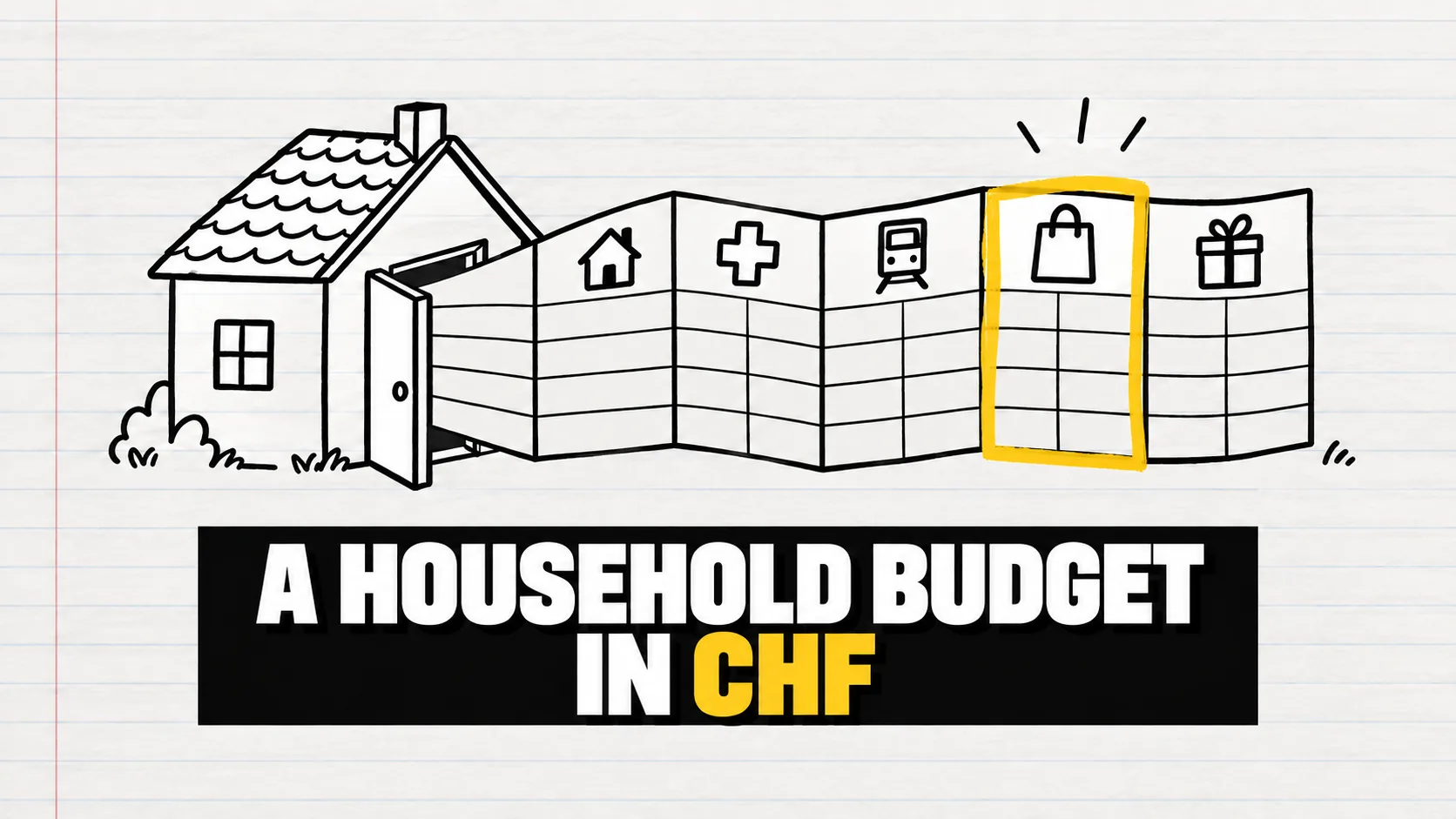
Download the free household budget template for Switzerland (Excel, CHF). It covers income, fixed costs, groceries, other variable costs and provisions, with a monthly summary that does the sums for you. You fill in income and fixed costs once, then your grocery receipts every week: the Groceries sheet adds them up by month and compares them with the Federal Statistical Office average (CHF 638 per household per month for food and non-alcoholic drinks in 2023). It also shows the 2025/26 guideline of Budgetberatung Schweiz, the Swiss umbrella association of budget counselling services, for your type of household.
Updated October 2026. Sources: Federal Statistical Office (FSO), Household Budget Survey 2023 (press release of 17 November 2025); Budgetberatung Schweiz, budget examples and budget templates 2025/2026; Federal Tax Administration (FTA), tax at source (viewed on 8 October 2026).
Where can I find a household budget template in Swiss francs?
Right here: the Rappn template, which you download at the top of this page, is a free .xlsx file in Swiss francs (CHF) with no macros, no external links and no sample figures to delete. Each language version of this page (English, German, French, Italian) has its own file.
Alternatively, Budgetberatung Schweiz offers free budget templates in Excel and PDF, also for apprentices and students, plus 2025/2026 budget examples for single people, couples and families. Its materials are in German, French and Italian.
Export your receipts from Rappn as CSV and paste them into the template’s Groceries sheet.
Fill the grocery line with Rappn, freeFree, no subscription · iOS & Android
Your spending
What is in the template?
| Sheet | What you enter | When |
|---|---|---|
| Summary | Only the year; income, spending and balance for each month are calculated for you | At the end of the month |
| Income | Net salaries, 13th-month salary, family allowances, pensions | When it changes |
| Fixed costs | Rent and service charges, health insurance, other insurance, taxes, transport, phone, radio and TV fee, childcare, savings | Once, then only changes |
| Groceries | One row per receipt: date, shop, amount, optional category | Every week |
| Variable costs | Household and personal care, clothes, eating out, alcohol, leisure, health | Every week or at the end of the month |
| Provisions | Money set aside for yearly costs: deductible, dentist, gifts, holidays, unexpected costs | Once: yearly cost ÷ 12 |
How do you fill in a household budget in 5 steps?
- Enter the year on the Summary sheet. The Groceries sheet only counts receipts from that year.
- Income: the net amount that reaches your account. The Budgetberatung Schweiz examples use monthly net income without the 13th-month salary. In the template, enter it in the month you receive it.
- Fixed costs: once, from contracts and bills. For rent, Budgetberatung Schweiz assumes about a quarter of net income, up to a third including service charges. Set taxes aside every month, unless you pay tax at source. As a rule, that applies to foreign employees living in Switzerland without a C permit (settlement permit), and to cross-border commuters. Your employer deducts it from your salary (FTA), so the line usually stays at zero. For cross-border commuters, the agreement with their country of residence may also mean tax there: set that part aside.
- Provisions: yearly costs divided by 12. In the budget examples these are the minimum health-insurance deductible (franchise, CHF 300 for adults) plus the co-payment, dental and eye check-ups, gifts and a reserve for unexpected costs. Enter the yearly cost in column O of the Provisions sheet: column P shows the monthly share, which you copy into the months so it counts in the Summary.
- Groceries every week, the summary at the end of the month. You see income, spending, balance and the share of income that goes on groceries.
How much does the average Swiss household spend on each budget line?
| Item | Template sheet | CHF per month | Share of gross income |
|---|---|---|---|
| Housing and energy | Fixed costs | 1'449 | 14.0% |
| Taxes | Fixed costs | 1'245 | 12.0% |
| Basic health insurance premiums | Fixed costs | 689 | 6.7% |
| Transport | Fixed costs (passes, car) | 744 | 7.2% |
| Food and non-alcoholic drinks | Groceries | 638 | 6.2% |
| Restaurants and accommodation | Variable costs | 558 | 5.4% |
| Amount left for saving | Fixed costs (savings) | 1'736 | 16.8% |
Source: FSO 2023, table T1. Which items you can cut, and by when, is in the guide to the biggest household expenses in Switzerland; to split your net pay, see the 50/30/20 rule with Swiss figures, and for a complete month, the monthly budget examples for Switzerland.
Groceries: how do you fill the sheet from receipts?
One row per receipt on the Groceries sheet: date, shop, amount and, if you like, a category. Next to it the template works out each month’s total, your monthly average and each category’s share of the total.
- By hand. From paper receipts the total is enough; for categories, one row per group of items. Enter them every week: thermal paper fades.
- From digital receipts. If the shop emails them or keeps them in its loyalty app or your online account, copy the date, shop and total; what you can download depends on the programme.
- From a CSV file. If an app that reads receipts exports CSV, copy the date, shop and amount columns into columns A, B and C. First check which column is which and whether there is one row per receipt or per item (paste one kind only, so no amount counts twice), then that dates stay dates and amounts use your Excel’s decimal separator.
Cleaning products, personal care and alcohol go under Variable costs, as in the FSO survey and the Budgetberatung Schweiz examples. Otherwise your grocery total looks higher than the average you compare it with. How to split a receipt into categories is explained in the guide to analysing your grocery receipts.
The comparison with the average and the guideline
Below the totals, the template sets your monthly average next to the FSO average (CHF 638 a month for food and non-alcoholic drinks consumed at home, 2023) and the 2025/26 guideline of Budgetberatung Schweiz for the household type you pick from the menu. The guideline is CHF 370 to 500 a month for a single person, 550 to 700 for a couple and 850 to 1'100 for a family with two children; the lower your net income, the closer to the minimum. The template tells you whether you are below, within or above the range, without the CHF 50 to 100 for each child aged 12 or over: add that yourself. All household types are in the guide to the grocery budget by household size.
Excel, app or paper: which budget method suits you?
| Method | What it covers | Effort | What you see of your groceries | Cost |
|---|---|---|---|---|
| Excel or PDF template (this one or those of Budgetberatung Schweiz) | The whole budget | Medium: everything by hand | What you write down | Free |
| General budget app with manual entry | The spending you enter | Medium | Usually amount and category | Often free, sometimes a subscription |
| Spending tab of a banking app | Card and account payments | Low | Shop and total, not the items; cash only as a withdrawal | Part of the bank’s app |
| Receipts in Rappn | Groceries only | Low by photo, medium by hand | Spending by category and by month, export as PDF or CSV | Free, no subscription |
If you would rather not give any app access to your bank account, the guide to expense tracking without a bank connection compares the alternatives.
How can I fill the Groceries sheet with Rappn?
Rappn is a free Swiss app (iOS and Android) that compares the current promotions of seven Swiss retailers and turns receipts into a spending overview. You can take the first step today: photograph this week’s receipts, upload them from your gallery or enter a purchase by hand. At the end of the month, export them as CSV and copy the date, shop and amount into columns A, B and C of the Groceries sheet, with the checks described above. Rent, health insurance and taxes stay in the template: Rappn only covers groceries.
If you want your own figure rather than an average, the free Rappn app imports the receipts of three big Swiss supermarkets’ loyalty programmes, up to 12 months back, and you add the others by photo; it then shows your spending by category and by month. You need a Rappn account and must be an adult; the programmes’ terms still apply and the operator can restrict the link (how linking works).
Updated: .
Why Rappn?
Rappn is an independent grocery price comparison app in Switzerland, with no commercial agreements with any retailer. Our comparisons are truly independent.
- 100% free: no subscription, no hidden costs
- Neutral: no commercial agreements with Migros, Coop, Aldi, Lidl, Denner, Aligro, or Otto’s
- Updated daily, as soon as the chains publish their deals
- The chains’ deals in one place: search, filter, compare, no subscription
- Meal planner in the Kitchen tab: plan the week, send the ingredients to your list

Ready to save on groceries?
Install Rappn and compare for yourself this week. No account required.Scan the code, install Rappn and compare current offers. No account needed.



Frequently Asked Questions
Is there a free budget template for Switzerland?
Yes. The Rappn household budget template is a free Excel file in Swiss francs with income, fixed costs, groceries, variable costs, provisions and a monthly summary, in English, German, French and Italian. Budgetberatung Schweiz, the Swiss umbrella association of budget counselling services, also publishes free budget templates in Excel and PDF and budget examples for 2025/2026 for different household types.
How do I make a household budget?
Enter your net income for each month, your fixed costs from contracts and bills, and your yearly costs divided by 12. Then add your groceries and other variable costs every week: at the end of the month the summary shows the balance. After two or three months you can see which items you can actually change.
What should a household budget include?
A household budget should cover income, fixed costs (rent with service charges, health insurance, other insurance, taxes, transport, phone and internet, radio and TV fee, childcare, savings), groceries, other variable costs (household and personal care, clothes, eating out, alcohol, leisure, health) and provisions (deductible, dentist, gifts, holidays, unexpected costs). The 2025/2026 budget examples of Budgetberatung Schweiz follow the same structure.
Does the template work in Google Sheets or Numbers?
It should, but we have only tested it in Microsoft Excel, not in Google Sheets or Numbers. The Rappn household budget template is an ordinary .xlsx with no macros and only standard formulas (sums, conditional sums and table lookups), which both programs also support. If a grey cell shows an error, check that the dates on the Groceries sheet are recognised as dates.
Can I add receipts exported from Rappn to the template?
Yes. In the free Rappn app, export your receipts as CSV, open the file and copy the date, shop and amount into columns A, B and C of the Groceries sheet; the monthly totals and the summary update by themselves. Before you paste, open the file and check which column holds the date, the shop and the amount.